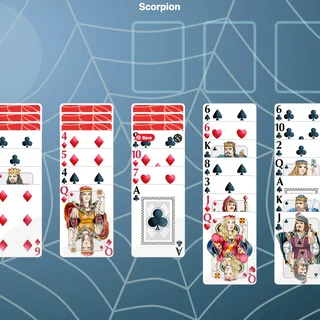
Solitaire unblocked: play Solitaire online free right here in your browser — no download, no sign-up, works on a school Chromebook.
Solitaire is the timeless single-player card game built around patience, sequencing, and clear board management. This web edition brings the classic Klondike rules straight to your browser, giving you a fresh shuffle whenever you need a relaxed mental challenge between intense gaming sessions.
While most titles on Parking Fury demand quick reflexes and tight steering precision, Solitaire offers a methodical shift in pace. Instead of weaving around obstacles or reversing into narrow bays against the clock, your only task is to unravel seven card columns through careful planning and sound deductive choices.
A standard 52-card deck is split across three main zones: the tableau, the stock pile, and four foundation piles. Your objective is to build every foundation up from Ace to King in matching suits.
Controls are straightforward on any device. Click or tap a card to move it to an open foundation or valid column, or click and drag full sequences across the tableau. Use the undo button to rewind recent steps if you want to explore different card arrangements.
If you enjoy the strategic problem-solving here, check out Park Out for grid-based sliding puzzles that test spatial reasoning. When you are ready to switch back to driving challenges, titles like Drive Mad and Parking Fury 2 offer fast physics and obstacle navigation.
Solitaire runs entirely in HTML5 with instant loading, no installation, and full support for desktop mice and mobile touchscreens.
Solitaire runs in an ordinary browser tab from parkingfury.org, with nothing to download or install, so it plays on most school Chromebooks and work computers. If a network filter blocks the site, only that network's administrator can change it.
The goal is to sort all 52 cards into four foundation piles by suit, starting with the Ace and building up in ascending order to the King.
Yes, but only a King or a sequence of cards headed by a King can be placed into an empty tableau column.
Click or tap cards to select and move them automatically to valid spots, or drag and drop stacks directly between columns.
Yes, built-in hint and undo controls let you preview available moves or step back to test alternative card sequences.