3D Car Simulator Unblocked — Play Free Online
More Racing & Driving games
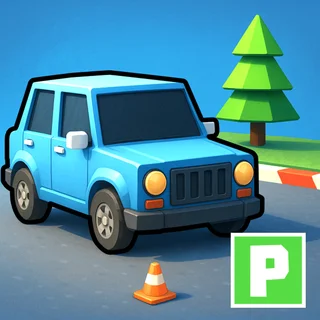
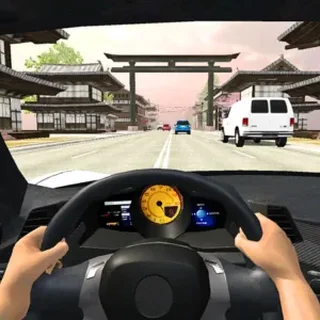
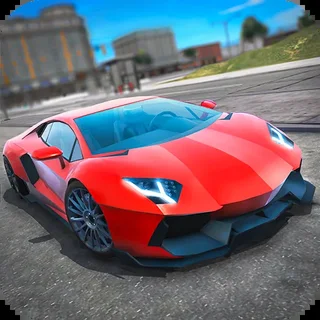



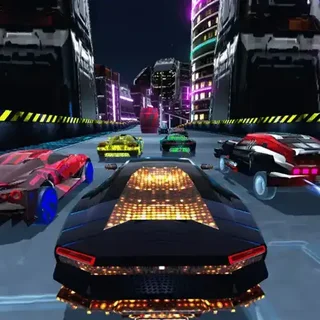
3D Car Simulator unblocked: play 3D Car Simulator online free right here in your browser — no download, no sign-up, works on a school Chromebook.
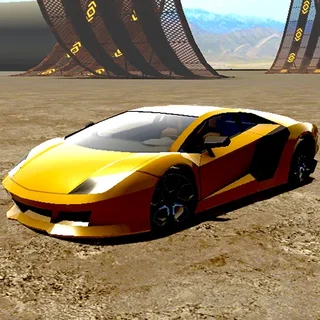
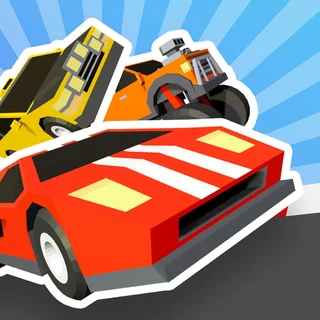
3D Car Simulator is an open-world driving sandbox designed for testing high-powered vehicles across expansive 3D environments. Unlike structured mission-based titles, this game gives you complete freedom from the moment you hit the gas. There are no ticking countdown clocks, strict traffic rules, or narrow parking bays forcing you to restart after a single scratch.
For players visiting Parking Fury, this sandbox offers a refreshing change of pace. While the core parking series demands surgical precision, tight reverse maneuvers, and zero-contact navigation, 3D Car Simulator invites you to open up the throttle. You can test top speeds, launch off massive stunt ramps, drift around wide street corners, and explore detailed map layouts at your own leisure.
How to play
Steering your vehicle uses standard desktop controls. Press W or the Up Arrow to accelerate forward, and use S or the Down Arrow to brake and reverse. Steer smoothly with A and D or the Left and Right Arrows. Whenever you want to break rear-wheel traction for a controlled slide, tap the Spacebar to apply the handbrake.
Because stunt driving often leads to inverted landings or awkward collisions with obstacles, the game includes quick recovery tools. Pressing R instantly resets your vehicle back onto its wheels with zero delay. You can also switch viewing perspectives to find the angle that suits your driving style, whether you prefer a wider chase camera or a closer bumper view.
Driving and stunt tips
- Feather the throttle during turns: Punching full acceleration while turning can cause severe understeer or spinouts. Ease off the gas before entering a bend, then accelerate smoothly out of the apex.
- Initiate slides with the handbrake: To slide cleanly around sharp 90-degree corners, steer hard into the turn and tap Spacebar briefly to break traction, counter-steering immediately to hold the angle.
- Line up ramps straight on: Hitting stunt ramps at an awkward angle often flips the chassis mid-air. Align your wheels before the incline to land cleanly on all four tires.
Similar driving games on Parking Fury
If you enjoy getting behind the wheel but want a different challenge, explore the other driving titles available across Parking Fury. For physics-based obstacle courses with unpredictable terrain, try Drive Mad. If you want to focus on slide control and cornering momentum, check out Driftwave. When you are ready to return to technical vehicle placement and disciplined low-speed steering, jump back into Car Parking School.
Questions about 3D Car Simulator
Is 3D Car Simulator unblocked at school?
3D Car Simulator runs in an ordinary browser tab from parkingfury.org, with nothing to download or install, so it plays on most school Chromebooks and work computers. If a network filter blocks the site, only that network's administrator can change it.
What are the controls for 3D Car Simulator?
Use the WASD keys or arrow keys to steer, accelerate, and reverse. Press the spacebar to engage the handbrake for tight drifts, and press R to reset your car if it flips.
Can you change vehicles or camera views?
Yes. You can select different cars from the in-game menu and switch camera angles during a session to switch between third-person following view and cockpit perspective.
Does 3D Car Simulator require a download?
No. The game runs directly in any modern desktop or mobile web browser using HTML5 technology without any file downloads, plugins, or account registration.